
Discover the Potential of Gaming Scripts Functions with Cronus Zen
- Call of Duty Unlocker
- 3 days ago
- 4 min read

If you love gaming and want to enhance your experience, you might have heard about gaming scripts functions. These are powerful tools that can help you improve your gameplay, automate repetitive tasks, and unlock new possibilities. One of the most popular ways to access these functions is through devices like Cronus Zen, which allow you to use custom scripts tailored to your favorite games.
In this post, you will learn what gaming scripts functions are, how they work, and why they can be a game-changer for players across all platforms. We will also address common concerns, such as the risk of getting banned, and share tips on how to use these tools responsibly. By the end, you will have a clear understanding of how to discover the potential of gaming scripts functions and take your gaming to the next level.
What Are Gaming Scripts Functions?
Gaming scripts functions are sets of instructions written in code that automate certain actions in a game. Instead of manually performing complex or repetitive tasks, you can use scripts to do them for you. This can include things like rapid-fire shooting, recoil control, auto-aim, or even complex combos in fighting games.
These functions are designed to work with compatible devices, such as Cronus Zen, which connect to your console or PC and execute the scripts in real-time. The scripts can be customized or downloaded from trusted sources, allowing you to tailor your gameplay experience.
Here are some common examples of gaming scripts functions:
Rapid Fire: Automatically fires your weapon faster than you could manually.
Anti-Recoil: Reduces the weapon recoil to improve accuracy.
Auto-Reload: Reloads your weapon automatically when empty.
Quick Scope: Helps you aim faster with sniper rifles.
Combo Macros: Executes complex button sequences with a single press.
Using these functions can give you an edge in competitive games or simply make your gaming sessions more enjoyable.
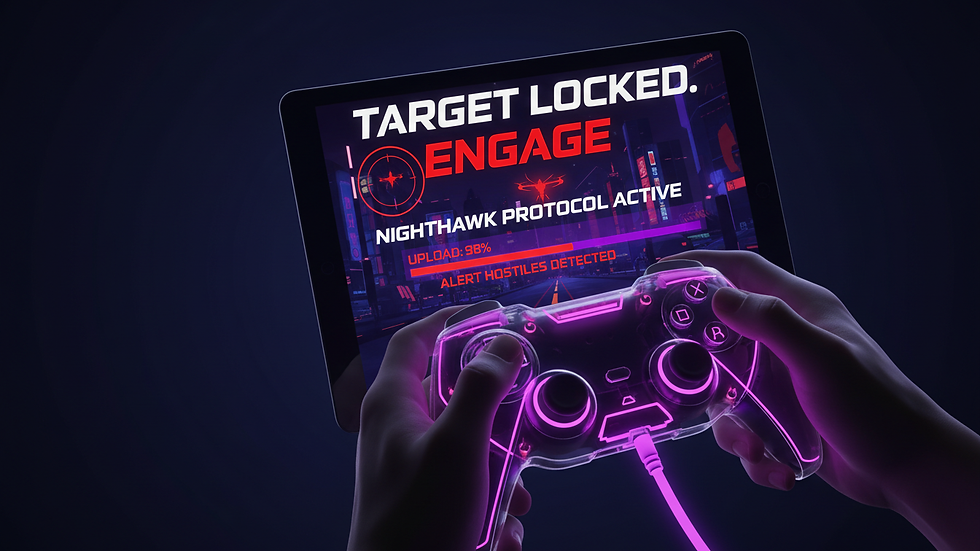
How Gaming Scripts Functions Work with Cronus Zen
Cronus Zen is a versatile device that supports a wide range of gaming platforms, including PlayStation, Xbox, Nintendo Switch, and PC. It acts as a bridge between your controller and the console, allowing you to run scripts that modify your inputs.
Here’s a step-by-step explanation of how gaming scripts functions work with Cronus Zen:
Connect Cronus Zen: Plug the device into your console or PC and connect your controller to it.
Load Scripts: Use the Cronus Zen software to upload or select the gaming scripts you want to use.
Activate Scripts: Enable the scripts through the device interface or controller buttons.
Play the Game: The scripts will run in the background, enhancing your inputs according to the functions programmed.
Adjust Settings: You can tweak script parameters to suit your playstyle or game requirements.
One of the advantages of Cronus Zen is its compatibility with many games and platforms, making it a flexible choice for gamers who want to explore different gaming scripts functions.

Will I Get Banned if I Use a Cronus?
This is a common question among gamers considering the use of devices like Cronus Zen. The short answer is: it depends. Using any third-party device or software that modifies gameplay can carry risks, especially in competitive or online environments.
Here are some important points to consider:
Game Policies Vary: Different games and platforms have different rules about what is allowed. Some explicitly ban the use of scripts or devices that give an unfair advantage.
Detection Methods: Some games have anti-cheat systems that can detect unusual input patterns or unauthorized devices.
Risk of Ban: If detected, you could face temporary or permanent bans from the game or platform.
Use Responsibly: Many players use gaming scripts functions in single-player modes or private matches to avoid issues.
Stay Updated: Keep an eye on game updates and community guidelines to understand what is permitted.
If you decide to use Cronus Zen, it’s wise to use it cautiously and respect the rules of the games you play. This way, you can enjoy the benefits without jeopardizing your account.
How to Get Started with Cronus Scripts
Getting started with cronus scripts is easier than you might think. Here’s a simple guide to help you begin:
Purchase a Compatible Device: Get a Cronus Zen device from a reputable source.
Download the Software: Install the official Cronus Zen Studio software on your PC.
Explore Script Libraries: Browse trusted websites or communities that offer scripts for your favorite games.
Load Scripts to Device: Use the software to upload scripts to your Cronus Zen.
Test and Customize: Try the scripts in-game and adjust settings to fit your style.
Practice: Spend time getting used to the new functions to maximize their benefits.
Remember, the key is to start simple and gradually explore more advanced scripts as you become comfortable.
Tips for Using Gaming Scripts Functions Effectively
To make the most out of gaming scripts functions, keep these tips in mind:
Choose Scripts Wisely: Pick scripts that enhance your gameplay without making it too easy or unfair.
Practice Regularly: Even with scripts, skill matters. Use them to complement your abilities.
Stay Updated: Script developers often release updates to improve performance or fix bugs.
Respect Other Players: Avoid using scripts in ways that ruin the experience for others.
Backup Your Settings: Save your favorite scripts and configurations to avoid losing them.
By following these recommendations, you can enjoy a smoother and more rewarding gaming experience.
Unlock New Possibilities with Tactical Unlocks
If you want to explore a wide range of gaming scripts functions, Tactical Unlocks stands out by offering a vast selection of Cronus Zen scripts across all platforms. Their collection includes scripts for popular games, regularly updated and tested for quality.
Whether you want to improve your aim, automate complex combos, or simply experiment with new gameplay styles, Tactical Unlocks provides a reliable resource to help you discover the full potential of gaming scripts functions.
Give it a try and see how these tools can transform your gaming sessions.
Exploring gaming scripts functions can open up exciting new ways to play your favorite games. With devices like Cronus Zen and resources like Tactical Unlocks, you have the power to customize and enhance your gameplay like never before. Just remember to use these tools responsibly and enjoy the journey of mastering your games.


Comments