.png)

Cronus Zen Instructions and FAQ: Everything in One Place

Updated: Aug 28
A single reference covering setup, orders, script usage, and troubleshooting — pulled together in one place.
This Cronus Zen instructions and FAQ hub brings together the questions we get asked most — from placing an order to loading your first script — so you have one place to check before reaching out to support.

Getting Started: Cronus Zen Instructions and FAQ Basics
How do I receive my script after purchase?
Scripts are delivered digitally and instantly after checkout — you'll receive access to your script file(s) along with a setup guide specific to your game.
What do I need to load a script?
A Cronus Zen device, a USB cable, and Zen Studio (free official software) installed on a Windows or Mac computer.
How long does setup take?
For most players, first-time setup takes 10-15 minutes, including downloading Zen Studio and loading your first script.
Orders & Delivery
How fast will I receive my order?
Digital script purchases are delivered instantly to your account/email after checkout. Physical hardware orders (like Cronus Zen or XIM Matrix devices) ship according to the delivery timeframe shown at checkout.
Do I get updates after I purchase a script?
Yes — scripts include lifetime updates, so you'll have access to revised versions after major game patches or balance changes.
What if I bought the wrong script for my platform?
Reach out through our support contact page with your order details, and we'll help get you the correct version for your platform.
Using Your Script
Do I need to keep my device connected to a PC while playing?
No — once a script is programmed onto your device, it runs independently. You only need the PC connection to load or update a script.
Can I use one script across multiple platforms?
Scripts are typically built for a specific platform and game combination — check your script's setup guide for exact platform compatibility before switching consoles.
How do I know if a script needs updating?
If a script feels off after a game's balance patch or new season, check for an updated version — recoil patterns and movement mechanics can shift with major updates.
Troubleshooting Quick Answers
Device not detected – try a different USB cable (must be data-capable, not charge-only) and a different USB port.
Script won't compile – check for a corrupted download or a script built for a different firmware version than what's on your device.
Script feels different than expected in-game – confirm your in-game sensitivity matches what the script was tuned around.
For a full walkthrough of these and more scenarios, see our complete setup and troubleshooting guide.
Account & Support
How do I contact support?
Use the contact page linked in our site footer — include your order number for the fastest response.
Do you offer refunds?
Refund eligibility depends on the product type and whether the digital content has been accessed — check our terms page for specifics before purchasing.
Still Have a Question?
This Cronus Zen instructions and FAQ hub covers the most common questions, but if you don't see yours here, our support team is happy to help directly.
Ready to Get Started?
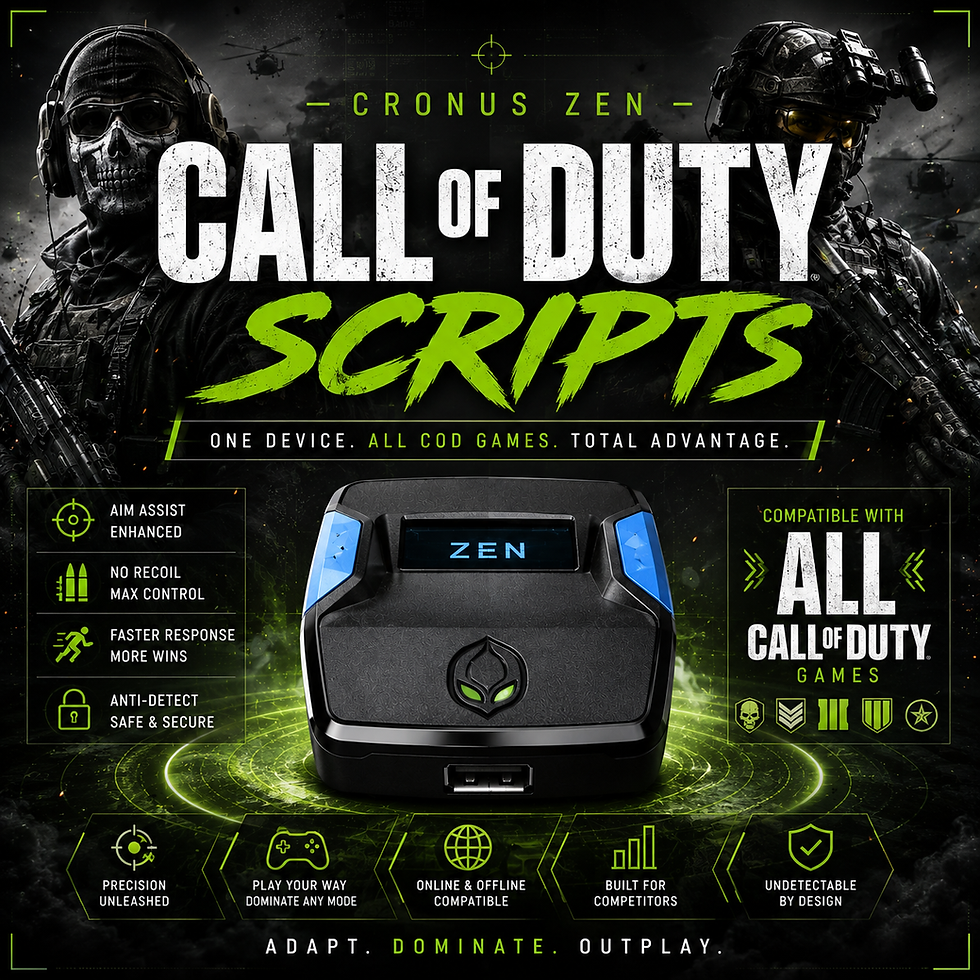
Pair your device with a game-specific setup from our Cronus Zen Scripts collection.


Comments